VPN Routers: Home Network Security in 2025
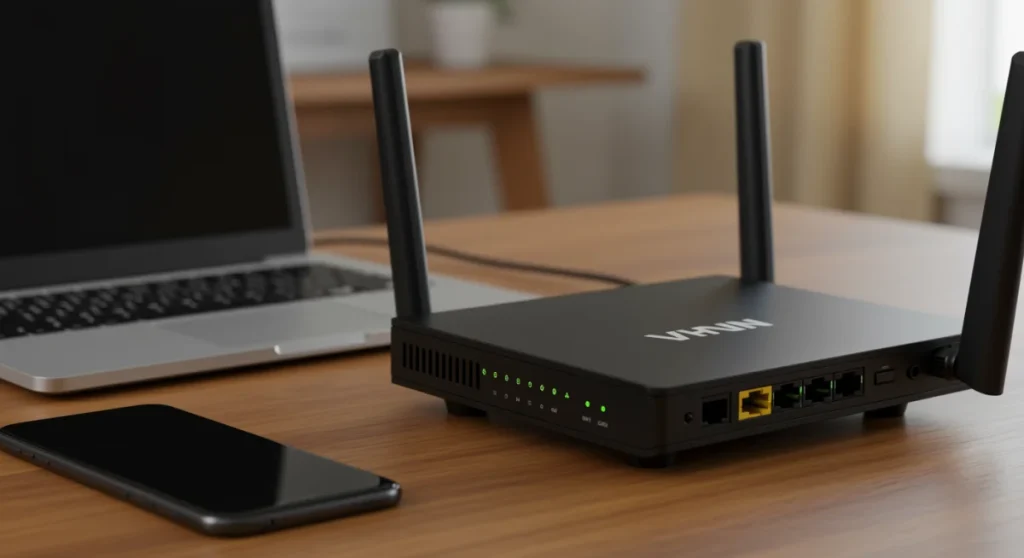
A VPN router centralizes network security by encrypting all traffic from every connected device at the source, ensuring comprehensive privacy and protection across the entire home network without individual device configuration.
In an increasingly interconnected world, securing your digital footprint at home has never been more critical. As we look towards 2025, the concept of a VPN router emerges as a cornerstone for enhancing your home network security, offering a robust and centralized solution to protect all your devices. This guide delves into practical solutions for integrating VPN technology directly into your home network infrastructure.
The Evolving Landscape of Home Network Security
The digital threats facing home networks are constantly evolving, becoming more sophisticated and pervasive. From phishing attempts to malware and ransomware, the risks to personal data and privacy are significant. Traditional security measures, while important, often fall short in providing comprehensive, network-wide protection.
In this dynamic environment, a proactive approach to security is paramount. Relying solely on individual device protection is no longer sufficient when every smart device, from your thermostat to your doorbell, represents a potential vulnerability. Understanding these challenges is the first step toward building a truly resilient home network.
Why Traditional Security Falls Short
Many households depend on basic router security and individual antivirus software. While these offer some protection, they have limitations. Individual VPNs on devices are effective but require separate installations and subscriptions for each device, which can be cumbersome and expensive. Furthermore, many smart home devices lack the capability to install VPN software directly.
- Device-Specific Limitations: Not all devices support direct VPN installation.
- Configuration Overhead: Managing VPNs on multiple devices is time-consuming.
- Incomplete Coverage: Smart home devices often remain unprotected.
- Vulnerability Exposure: Gaps in coverage create entry points for cyber threats.
The rise of IoT devices further complicates matters. These devices, often designed with convenience over security, can be easy targets for cybercriminals. A centralized solution is needed to secure these often-overlooked endpoints, ensuring that all traffic entering and leaving your home network is protected.
The evolving landscape demands a more robust and integrated security strategy. A VPN router addresses these shortcomings by providing a single point of encryption and protection for every device connected to your home network, regardless of its individual capabilities or operating system. This holistic approach simplifies security management while significantly enhancing overall network resilience against emerging threats.
Understanding VPN Routers: Core Concepts
A VPN router is essentially a regular router with built-in VPN client software. Instead of installing a VPN client on each device, the router itself establishes a secure, encrypted connection to a VPN server. This means that any device connected to that router, whether wired or wirelessly, automatically benefits from the VPN’s protection without needing individual configuration.
This fundamental shift centralizes your network’s security, making it easier to manage and ensuring consistent protection across all your devices. It’s a foundational element for anyone serious about digital privacy and security in their home.
How a VPN Router Works
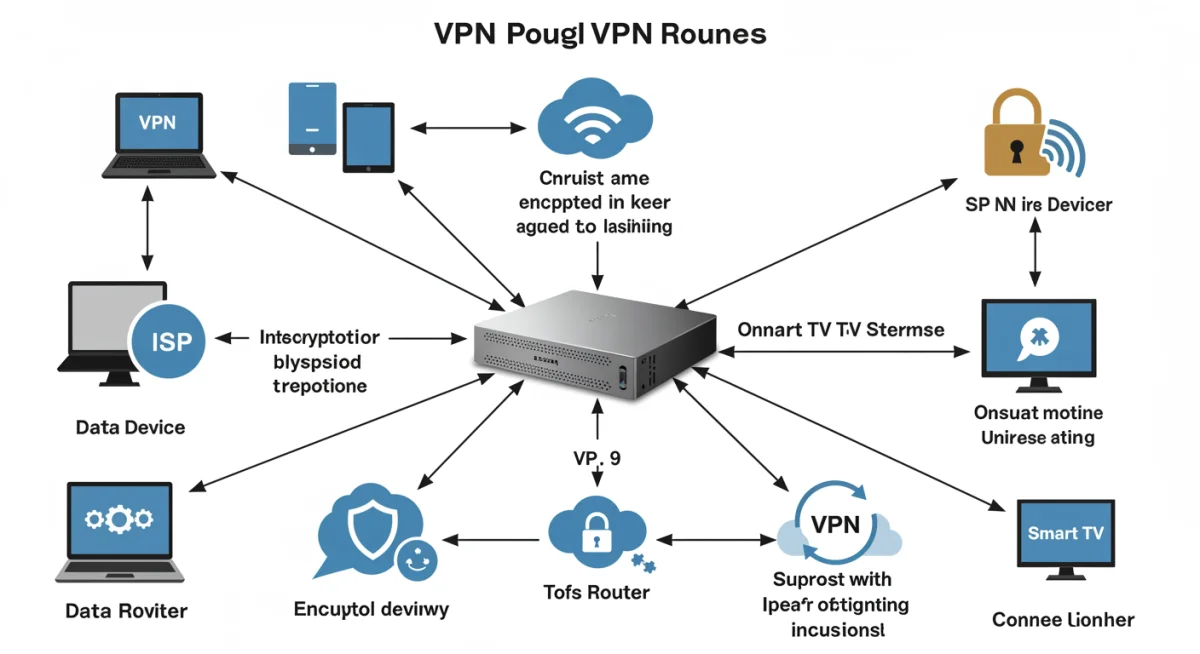
When you connect to a VPN router, your internet traffic is routed through an encrypted tunnel to a VPN server before it reaches its final destination on the internet. This process effectively masks your IP address and encrypts your data, making it unreadable to your Internet Service Provider (ISP), hackers, and other third parties. It operates seamlessly in the background, providing constant protection.
- Centralized Encryption: All data from connected devices is encrypted at the router level.
- IP Address Masking: Your public IP address is hidden, enhancing anonymity.
- ISP Throttling Bypass: Prevents your ISP from slowing down your connection based on activity.
- Geo-Restriction Circumvention: Access content from different regions by appearing to be elsewhere.
The beauty of a VPN router lies in its set-it-and-forget-it nature. Once configured, every device, from your smart TV to your gaming console and even guest devices, operates under the umbrella of the VPN’s security. This eliminates the need for manual VPN activation on each gadget, streamlining your digital defense.
In essence, a VPN router acts as a gatekeeper, ensuring that all internet-bound traffic from your home network is first funneled through a secure, encrypted tunnel. This not only protects your privacy but also adds a significant layer of security against various cyber threats by obscuring your online activities from prying eyes and potential attackers.
Key Benefits of Integrating a VPN Router in 2025
Integrating a VPN router into your home network offers a multitude of advantages that go beyond basic privacy. In 2025, these benefits are more crucial than ever, addressing the growing concerns around data security, online freedom, and seamless device protection. The convenience and comprehensive coverage provided by a VPN router make it an invaluable asset for the modern digital home.
From safeguarding sensitive information to ensuring uninterrupted access to global content, the strategic implementation of a VPN router elevates your entire network’s capabilities. It transforms your home internet into a more private, secure, and versatile environment for all users and devices.
Enhanced Privacy and Anonymity
One of the primary benefits is the heightened level of privacy and anonymity it provides. By encrypting all network traffic and masking your actual IP address, a VPN router makes it significantly harder for third parties, including your ISP, advertisers, and potential hackers, to monitor your online activities. This is crucial for protecting personal data and maintaining digital freedom.
Your online footprint becomes much more difficult to trace, allowing you to browse, stream, and communicate with a greater sense of security. This anonymity is particularly important in an era where data collection and surveillance are increasingly prevalent.
Comprehensive Device Protection
Unlike individual VPN clients, a VPN router protects every device connected to your network automatically. This includes smart TVs, gaming consoles, smart home devices, and even devices that don’t natively support VPN software. This universal protection ensures that no device on your network is left vulnerable.
- Universal Coverage: Protects all wired and wireless devices simultaneously.
- IoT Device Security: Secures smart home gadgets often overlooked by individual VPNs.
- Guest Network Protection: Extends VPN benefits to temporary users on your network.
- Reduced Management: No need to install or configure VPNs on each device individually.
This comprehensive coverage is a game-changer for households with a growing number of interconnected devices. It simplifies security management, ensuring that every new device added to your network immediately inherits the VPN’s protective umbrella without any additional setup or configuration hassles. This makes it an ideal solution for busy households seeking robust, hassle-free security.
Choosing the Right VPN Router: Factors to Consider
Selecting the appropriate VPN router involves more than just picking the first option you see. The market offers a wide range of devices, each with varying capabilities, price points, and compatibility. Making an informed decision requires understanding several key factors that will influence your overall experience and the effectiveness of your home network security in 2025.
Consider your specific needs, the size of your home, the number of devices, and your technical comfort level. A well-chosen VPN router will serve as a reliable backbone for your secure digital life for years to come.
Compatibility with VPN Providers
Not all routers are natively compatible with all VPN providers. It’s crucial to check if the router you’re considering supports the VPN service you intend to use. Many premium VPN providers offer specific firmware or configuration guides for popular router models. Open-source firmware like DD-WRT or OpenWRT can also expand compatibility, but requires more technical expertise.
Ensure the router’s hardware is powerful enough to handle VPN encryption and decryption without significantly impacting internet speeds. Look for routers with strong processors and ample RAM, as these directly affect performance when running a VPN.
Performance and Speed
Running a VPN on your router can introduce some overhead, potentially affecting your internet speed. Look for routers with powerful processors and ample RAM that can handle the encryption and decryption processes efficiently. Routers specifically designed for VPN use often feature optimized hardware to minimize speed degradation.
- Processor Power: Crucial for efficient encryption/decryption.
- RAM Capacity: Supports multiple simultaneous VPN connections and processes.
- Gigabit Ethernet Ports: Ensures fast wired connections.
- Wi-Fi 6/6E Support: Provides high-speed wireless performance.
Reading reviews and benchmarks specific to VPN performance can provide valuable insights into a router’s real-world capabilities. A good VPN router strikes a balance between robust security and minimal impact on your network speed, ensuring a smooth online experience for all your activities, from streaming to online gaming.
Ultimately, the best VPN router for you will depend on a careful evaluation of these factors. Prioritize compatibility, performance, and ease of use to ensure you invest in a solution that effectively meets your home network security needs for 2025 and beyond.
Setting Up Your VPN Router: A Step-by-Step Guide
Once you’ve chosen your VPN router, the next step is setting it up. While the exact process can vary slightly depending on your router model and VPN provider, the fundamental steps remain consistent. This guide provides a general overview to help you navigate the setup process, transforming your home network into a fortress of privacy and security.
Don’t be intimidated by the technical aspects; many VPN providers offer detailed guides and customer support to assist you. With a little patience, you can successfully configure your VPN router and reap its benefits.
Pre-Configuration Checklist
Before you begin, gather all necessary information. This includes your VPN provider’s configuration files (often OpenVPN or WireGuard files), your VPN username and password, and access to your router’s administrative interface. Ensure your router’s firmware is up to date, as newer versions often include performance improvements and security patches.
Having everything ready beforehand will streamline the setup and prevent unnecessary delays. It’s also a good idea to have a backup of your current router settings, just in case you need to revert to them.
Installation and Configuration Steps
The typical installation involves logging into your router’s web interface, locating the VPN client settings, and uploading the configuration files provided by your VPN service. You’ll then enter your VPN credentials and establish the connection. Some routers might require flashing custom firmware like DD-WRT or OpenWRT to enable VPN client functionality, which is a more advanced step.
Follow your VPN provider’s specific instructions closely, as they are tailored to their service and your router’s capabilities. Test the connection after setup to ensure all devices are routing traffic through the VPN. A simple IP address checker tool can confirm your new virtual location.
The process, while potentially daunting at first, is manageable with the right resources. By carefully following the instructions and leveraging support from your VPN provider, you can successfully set up your VPN router and begin enjoying enhanced security and privacy across your entire home network. This proactive step is crucial for maintaining digital safety in 2025.
Advanced VPN Router Configurations and Best Practices
Beyond the basic setup, advanced configurations can further optimize your VPN router’s performance and security. Understanding these options allows you to tailor your network to specific needs, ensuring maximum efficiency and protection. These practices are especially relevant in 2025, where network flexibility and robust security are paramount.
Exploring these advanced features can unlock the full potential of your VPN router, providing a truly customized and secure online experience for every member of your household.
Selective Routing (Split Tunneling)
Selective routing, also known as split tunneling, allows you to choose which devices or applications route their traffic through the VPN and which connect directly to the internet. This is useful for services that may block VPN connections or for activities where VPN encryption isn’t necessary, such as local network file transfers. It helps optimize speed and resource usage.
Configuring split tunneling typically involves setting up specific routing rules within your router’s VPN client settings. This flexibility ensures that you only use the VPN when and where it’s most beneficial, balancing security with convenience and performance for various online tasks.
Implementing a Kill Switch
A VPN kill switch is a critical feature that automatically disconnects your internet connection if the VPN tunnel drops unexpectedly. This prevents your IP address and unencrypted data from being exposed, maintaining your privacy even during unexpected service interruptions. While some VPN clients have this built-in, a router-level kill switch provides a more robust, network-wide safeguard.
- Data Leak Prevention: Ensures no unencrypted data leaves your network.
- Automatic Protection: Activates instantly if VPN connection fails.
- Network-Wide Application: Protects all connected devices simultaneously.
- Enhanced Privacy: Minimizes exposure risk during VPN outages.
Implementing a kill switch, whether through router settings or custom firmware, is a best practice for any serious VPN user. It acts as a safety net, guaranteeing that your online activities remain private and secure under all circumstances, reinforcing the integrity of your home network’s defense against unforeseen vulnerabilities.
By exploring advanced configurations like selective routing and implementing a robust kill switch, you can significantly enhance the functionality and reliability of your VPN router. These best practices ensure that your home network remains secure, private, and optimized for all your digital needs in 2025.
Future Trends and What to Expect in VPN Router Technology
The landscape of cybersecurity and networking is constantly evolving, and VPN router technology is no exception. As we progress towards 2025 and beyond, several key trends are emerging that promise to make VPN routers even more powerful, user-friendly, and integral to home network security. Staying informed about these developments will help you prepare for future advancements.
From AI-enhanced security to greater integration with smart home ecosystems, the future of VPN routers looks increasingly sophisticated and seamless, offering even more robust protection for our digital lives.
AI and Machine Learning Integration
Expect to see more VPN routers incorporating AI and machine learning for enhanced threat detection and automated security. These technologies can analyze network traffic patterns, identify anomalies, and proactively block emerging threats before they can compromise your devices. This intelligent defense will make home networks more resilient against sophisticated cyberattacks.
AI could also optimize VPN server selection, ensuring you always get the best speed and lowest latency based on real-time network conditions. This proactive intelligence will significantly reduce manual intervention and improve overall user experience.
Seamless Smart Home Integration
As smart home ecosystems become more prevalent, VPN routers will offer deeper integration, providing centralized security for all IoT devices. Imagine a router that can automatically segment your smart devices onto a separate, highly secure network segment, ensuring they don’t become backdoors for attackers. This level of integration will be crucial for securing the interconnected home of the future.
- Automated Threat Detection: AI-powered analysis of network traffic.
- Optimized Server Selection: Machine learning for best VPN performance.
- IoT Network Segmentation: Dedicated secure networks for smart devices.
- Enhanced User Interfaces: More intuitive control over VPN settings.
The focus will be on creating an effortless user experience, where security is robust but invisible. Future VPN routers will likely feature more intuitive interfaces and simplified configuration processes, making advanced security accessible to a broader audience. This evolution will cement VPN routers as indispensable components of the modern, secure home network.
These trends highlight a future where VPN routers are not just tools for privacy but intelligent hubs for comprehensive home network security. By staying abreast of these developments, users can anticipate and adopt the next generation of solutions to keep their digital lives protected in an increasingly complex online world.
| Key Aspect | Brief Description |
|---|---|
| Centralized Security | Protects all devices on your network simultaneously, including IoT. |
| Enhanced Privacy | Encrypts all traffic and masks IP addresses from ISP and third parties. |
| Ease of Management | Configure once at the router level, no individual device setup needed. |
| Future-Proofing | Adapts to new threats and integrates with emerging smart home tech. |
Frequently Asked Questions About VPN Routers
A VPN router is a standard router with VPN client software installed, allowing it to connect to a VPN server directly. Unlike a regular router, it encrypts all network traffic at the source, protecting every connected device automatically without individual VPN client installations.
Yes, VPN encryption and decryption can introduce some overhead, potentially reducing internet speed. The extent of this slowdown depends on the router’s processor power, the VPN protocol used, and the VPN server’s distance. High-performance routers minimize this impact.
Not necessarily. Compatibility varies. It’s essential to check if your chosen router supports your VPN provider’s protocols and offers specific configuration guides. Some routers may require custom firmware like DD-WRT or OpenWRT for broader VPN compatibility.
Initial setup can be more complex than a standard router, often involving manual configuration or custom firmware flashing. However, many VPN providers offer detailed, step-by-step guides and dedicated customer support to assist users through the process, making it manageable.
Split tunneling allows you to selectively route certain devices or applications through the VPN while others connect directly to the internet. This is useful for optimizing speed, accessing local network resources, or using services that might block VPN connections, balancing security with convenience.
Conclusion
Understanding VPN Routers: Enhancing Your Home Network Security in 2025 (Practical Solutions) is no longer an optional consideration but a fundamental step towards a truly secure and private digital existence. As cyber threats grow more sophisticated and our homes become increasingly connected, the centralized protection offered by a VPN router provides an unparalleled layer of defense. By carefully selecting, configuring, and optimizing your VPN router, you empower your entire network with robust encryption, anonymity, and comprehensive device protection. This strategic investment ensures that your digital privacy remains intact, giving you peace of mind in an ever-evolving online world.